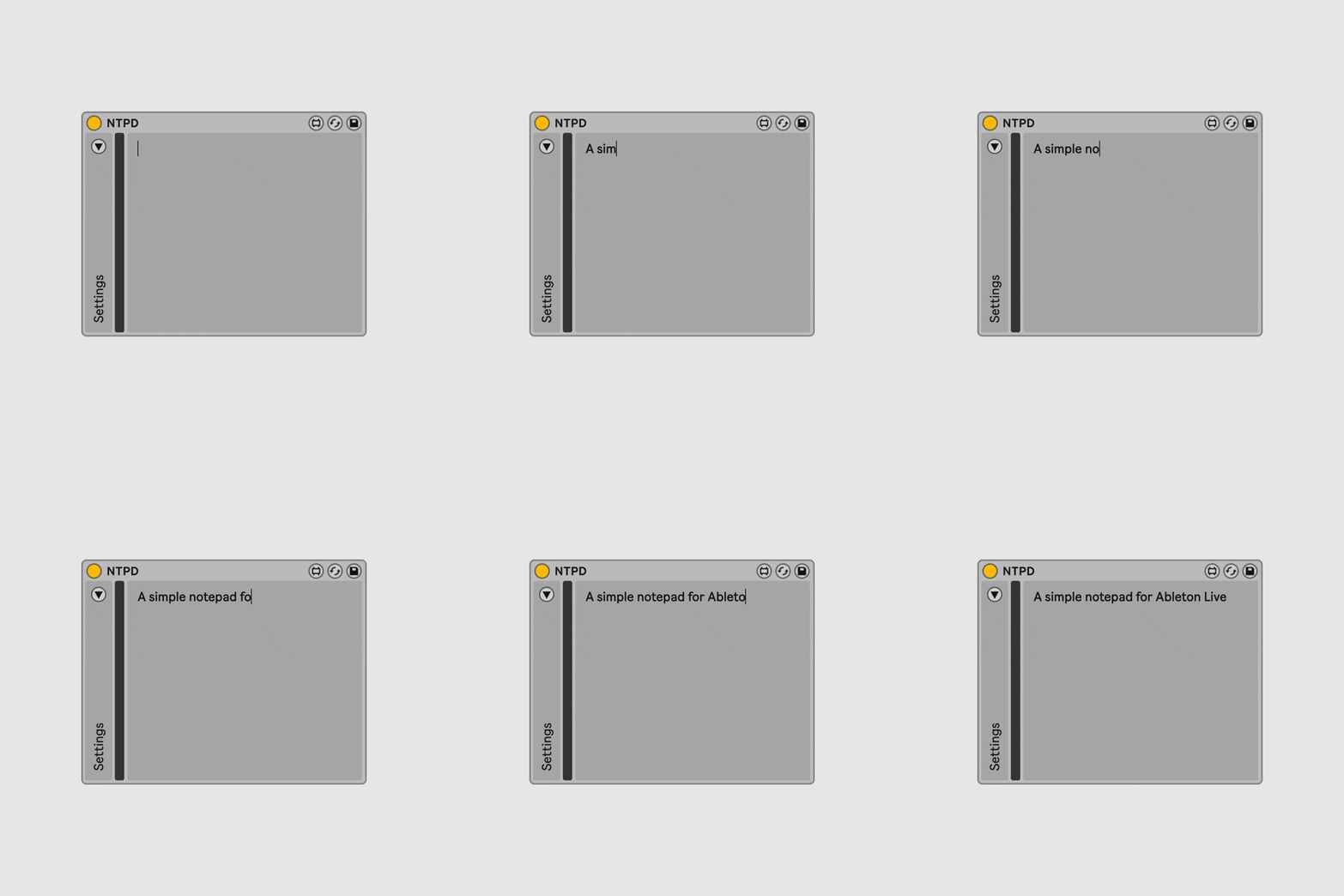
What is NTPD?
One useful habit I've picked up is writing down what I hear while I'm hearing it, right inside my project. NTPD is the tool I use for this.
NTPD is a Max for Live device made by ELPHNT. It's a clean, minimal notepad that sits inside your Ableton Live session. You can drop it on any track, type your notes, and they get saved with the project file.
I personally use it just for taking notes, but there are more bells and whistles which can be explored: you can change the font style and add color to your notes, and there's also a floating popup feature that stays visible even when you switch to another track. Again, I don’t use these features (yet!) but you can automate the popup to appear at specific points in your session, which should be great for leaving yourself reminders tied to a particular section of the track.
It requires Ableton Live Suite 11.3+ or Standard 11.3+ with Max for Live.
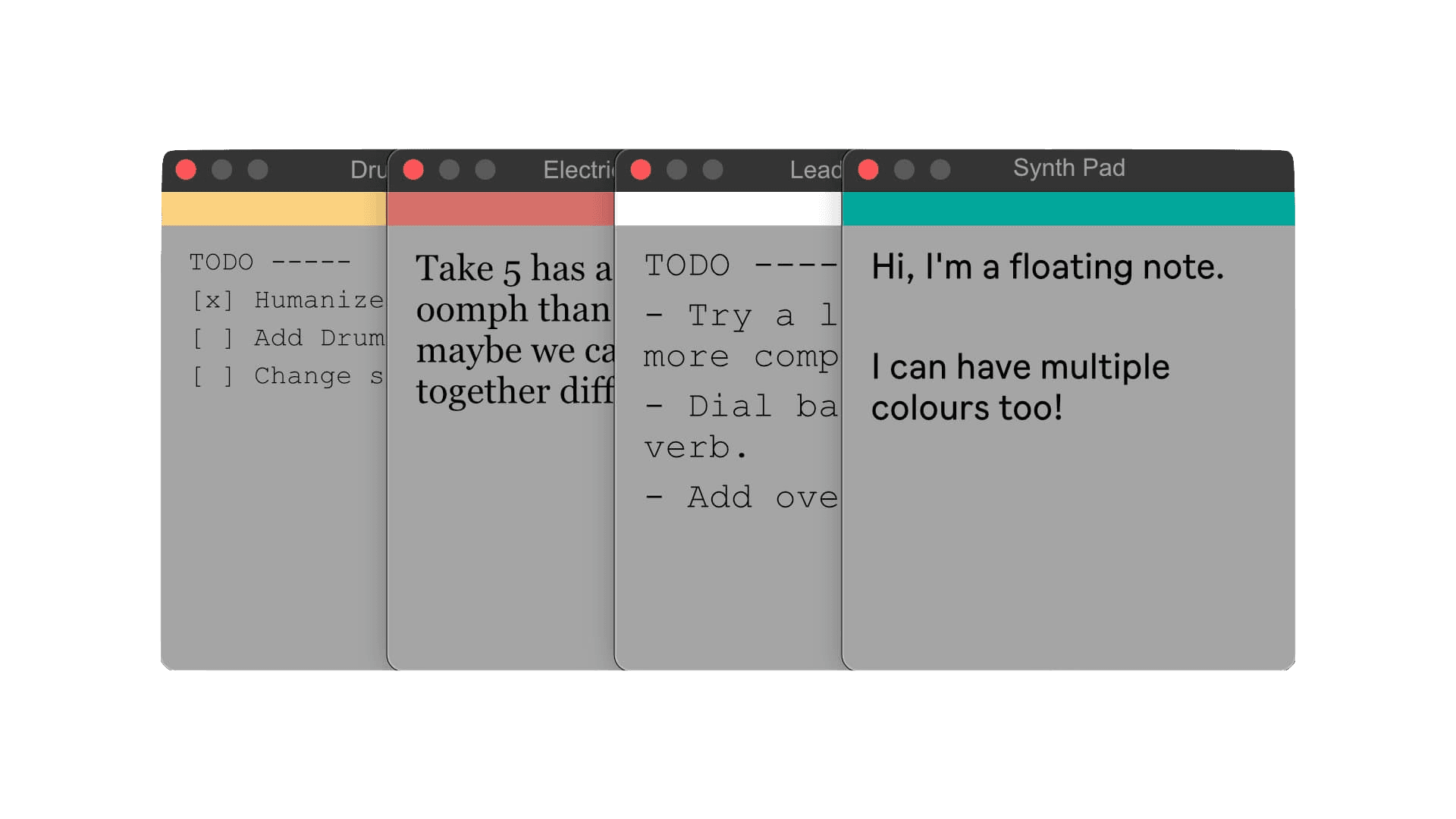 NTPD extended functionalities
How I use it
I usually drop NTPD on my master channel and use it as a running log for the session. When I notice something during playback, I pause for two seconds, type a quick line like "kick too boomy" or "pad too wide in verse, check mono compat," and keep going. Sometimes I'll also put a separate NTPD on individual tracks where I know I want to try something specific later. For example, I might write "add more saturation" on a bass track, or "widen this" on a synth pad. Lastly, I always log specific to-dos for my next session, so when I open the project the next day, I know what I should focus on.
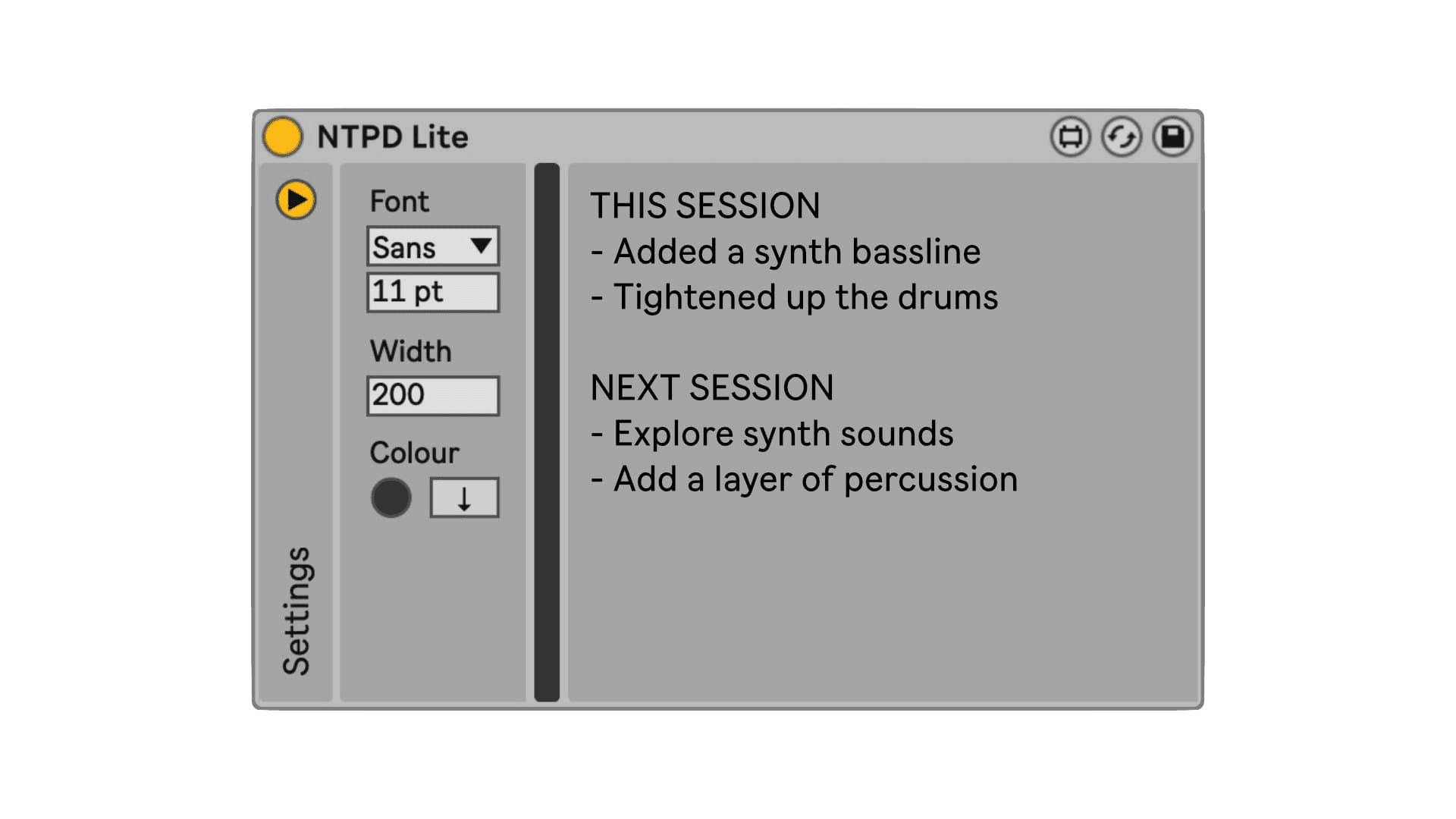 Clear actions for next session
It's free to try
ELPHNT offers a free Lite version called NTPD Lite, which covers the basics (what I use). The full version is $10 and adds popup automation and a MIDI version of the device. I'd recommend starting with the Lite version to see if it fits your workflow.
Just to be clear, this is not a sponsored post and we have no affiliation with ELPHNT. I just use this tool regularly and wanted to share it with the community.
Get it here: https://elphnt.io/store/ntpd/
Worth adding to your template
If you already have a default Ableton template that you start sessions from, drop NTPD on the master channel and save it as part of the template. That way it's always there when you need it, and you'll start building a habit of logging what you hear as you work. 😊
Best,
Philip
Tracklounge is built for producers who take their craft seriously. Get structured feedback on your tracks from people who knows your genre. Try it out →