Working in Mono
When I started producing, I kept hearing "clubs and bars are in mono," "your friend's Bluetooth speaker is in mono," "check your track in mono." I nodded along but never did anything about it. It felt like an engineering thing, and I wasn't really there yet. I mean, it took me a while to even have something worth checking. I didn't have a "mix to check." “Width” and terms like "phase cancellation" scared me away from all of this.
Then one day I was listening to a bounced WIP track (an 8 bar I just created) on a small Bose Bluetooth speaker in my kitchen, and something just sounded wrong. Two synths that I really vibed with an hour earlier were suddenly fighting each other, and one of them almost disappeared. I went back to my computer, flipped to mono inside my DAW, and heard the exact same thing. Stereo had been hiding the problem the whole time. That was the moment it clicked for me. And it explained why some of my tracks sounded fine in headphones but fell apart in the car or on a regular living room system.
Today, I work in mono all the time.
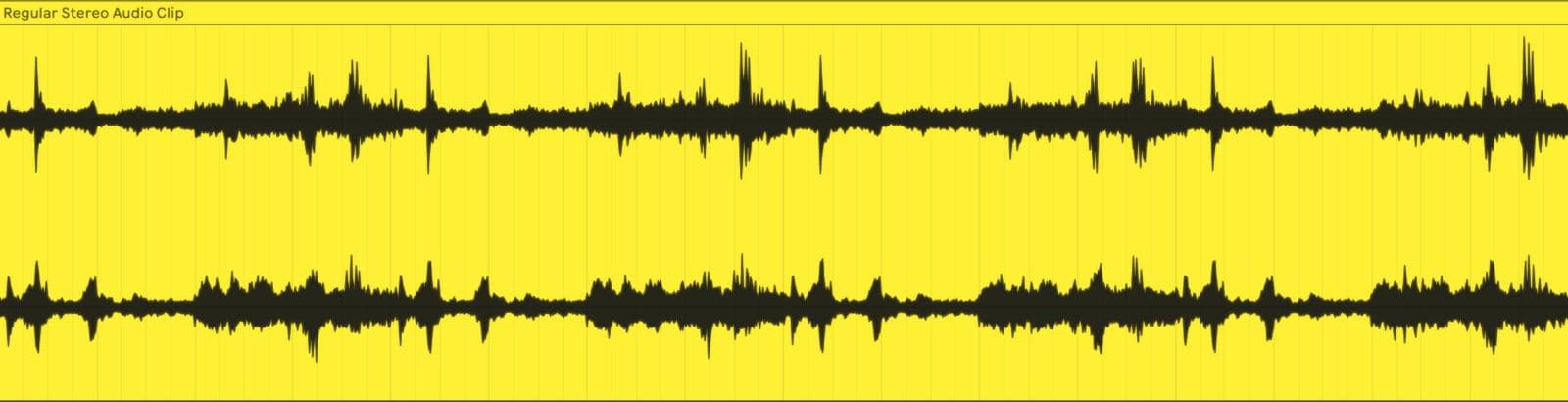 Audio clip containing a stereo signal. The waveform on top is Left and bottom is Right.
Mono and stereo
When you listen in stereo, sound comes from two separate channels. Left and Right. In practice this means from separate speakers (or two sides of your headphones). Different elements can sit in different places, e.g. a hi-hat slightly to the left, a pad spread wide across both sides, a vocal right in the center. That spatial separation is what gives a track its sense of width.
Mono collapses all of that into a single channel. Everything gets stacked on top of each other, with no spatial (Left and Right) separation.
What stereo hides
If you hold up two puzzle pieces in front of you with about a meter between them, they might look like they fit together. The shapes seem close enough. But when you actually push them together, they don't match at all. That's what could happen with frequencies in stereo. Two sounds can seem like they coexist just fine when they're spread across the stereo field. Collapse them to mono, and suddenly you hear the clashes. Some sounds might almost even disappear because they are being cancelled out due to phase cancellation (phase cancellation is when two copies of the same sound (Left and Right in this case) fight against each other and cancel out, making it sound hollow, weak, or like certain frequencies have gone missing.).
The same goes for volume. When two puzzle pieces are far apart, you won't notice if one is a few millimeters bigger than the other. Put them side by side and the difference is obvious. Stereo width hides small level imbalances the same way. In mono, those differences tend to be easier to notice.
So flipping to mono while you work forces everything into the same space, and that makes sound selection and sound design so much easier.
How I set it up
In Ableton Live, I have the stock Utility plugin on my master channel. Utility has a "Mono" knob, and when you turn it on, it collapses the output to mono. That's all you need.
To make it fast, I key-mapped the Mono knob to the letter "m" on my keyboard. Now I can flip between mono and stereo without even thinking about it. The whole point is that it should be instant, something you can A/B without interrupting what you're doing.
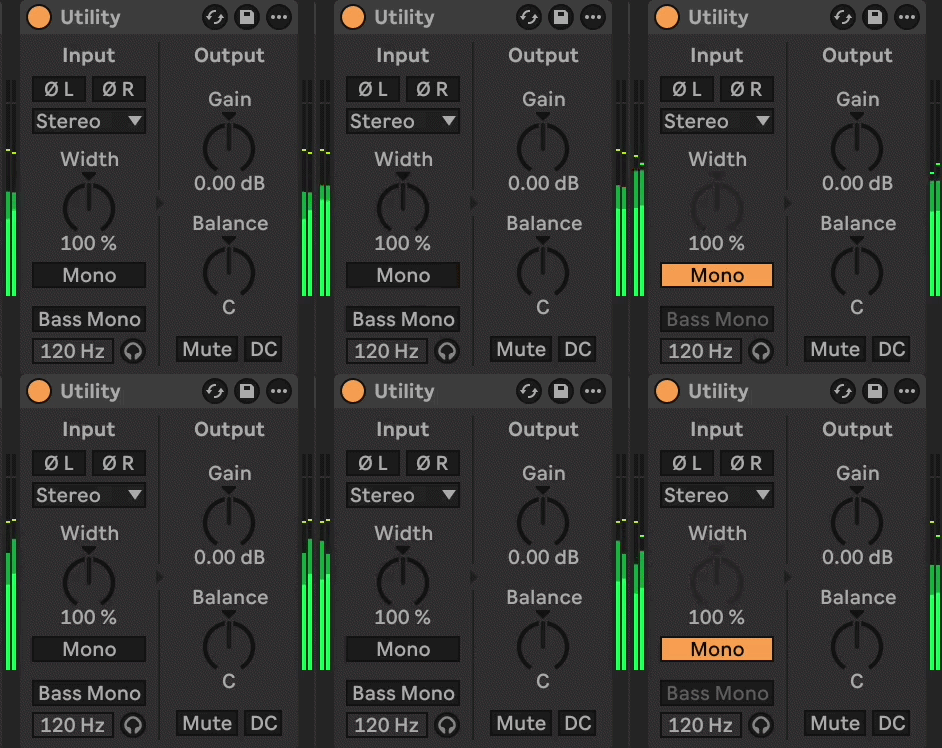 Keymapped Mono button to "m" on keyboard. Fast toggle to check the music in mono.
If you're in a different DAW than Ableton Live, look for any stock plugin that has a stereo width control or a mono button. Most DAWs have one built in.
What to listen for
When I flip to mono, I'm listening for a few specific things.
Does anything disappear? If a sound gets noticeably quieter or vanishes in mono, it was relying too much on stereo width. That's worth knowing early. If it doesn't hold up in mono, it might also sound weak on phone speakers, bluetooth speakers, or in a club.
Are frequencies fighting each other? Two synths that sounded fine in stereo might suddenly clash in mono because they're occupying the same frequency range. In stereo, the panning kept them apart. In mono, they're on top of each other.
Is the lead or vocal still clear? If your main element gets buried when you switch to mono, the balance between your sounds is off.
When to check
I don't save mono checking for the end of a session. I flip it on and off throughout, even from the start. Most of us make sound and balance decisions as we go anyway, so it fits right into that flow.
I'll check in mono while picking sounds, adjusting levels, or adding a new element. Also when something just feels off and I can't figure out why. Often, flipping to mono for five seconds helps me identify the issue.
The idea is to catch small issues while they're easy to fix. If you wait until the track is done, you might have built an entire arrangement on top of a problem that was there from the start.
Try it
Next time you're working on a track, drop a Utility on your master channel, map the mono button to a key (e.g. "m"), and flip to mono a few times during the session. You'll probably notice something you didn't hear before. 😊
Best,
Philip